
Bouldering apps
Best Bouldering Apps in 2026: Video Review, Project Tracking and Training
Compare bouldering apps for movement video review, project tracking, training plans and climbing community tools.
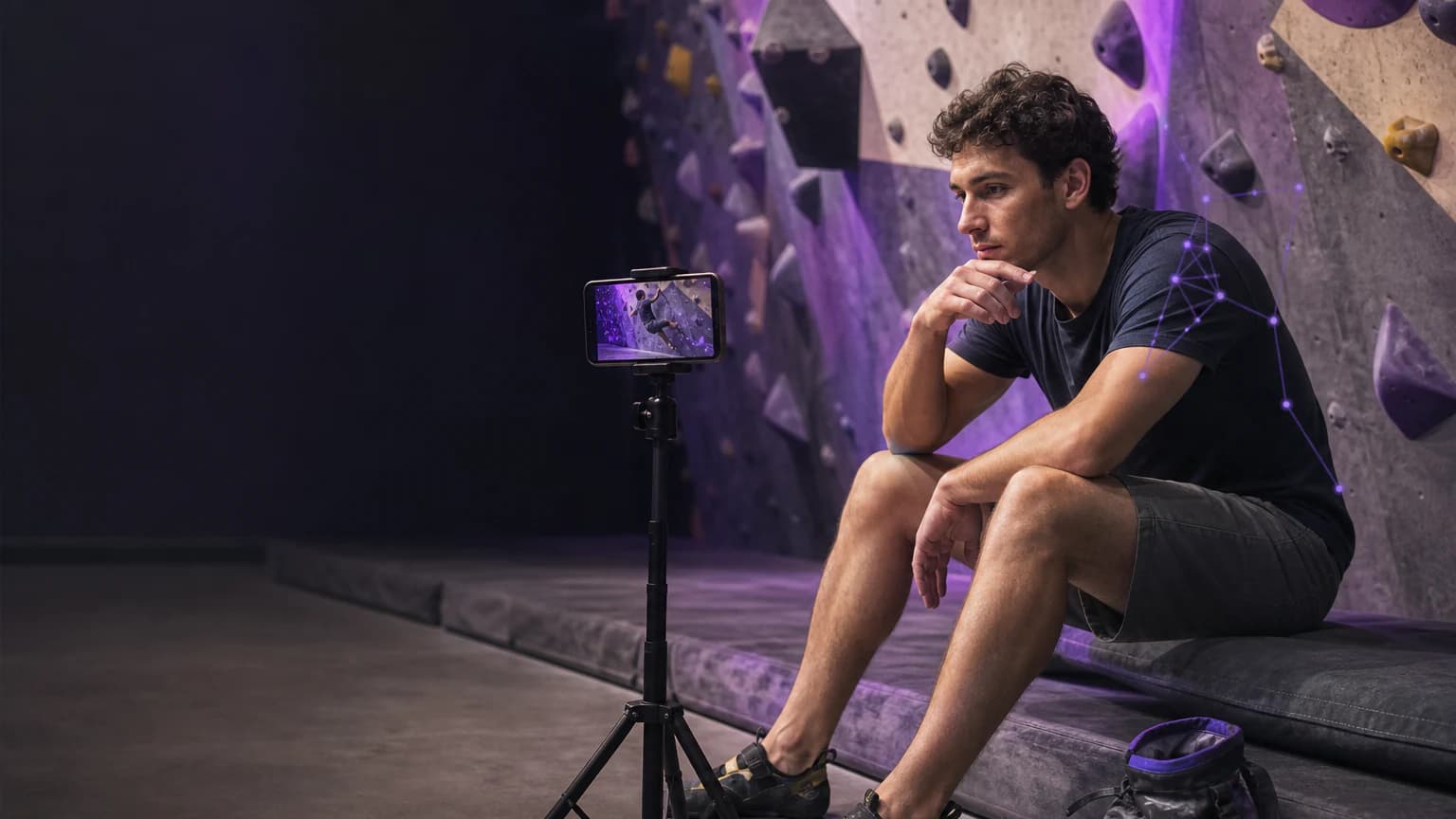
Best overall: Bouldering AI. This site belongs to the app's publisher, so that relationship is clear before the comparison starts. Bouldering AI takes the #1 place for climbers who want to review their own attempts on video, identify one movement decision, and keep project, grade, attempt and wall notes nearby. That rank does not claim that we tested every alternative in a lab or that one app fits every climber.
Choose the job before you choose the app
The best bouldering app depends on the question you need to answer. You may want to plan training, record a project, share a problem, find community beta, or review why your hips drifted away from the wall. These are different jobs. A training-plan product can be excellent without offering a video workflow; a community product can be useful without storing a careful attempt log. Pick the tool that helps you act on your next session rather than the longest feature list.
For movement review, record the full attempt: start holds, feet, main holds, finish and landing zone. Keep the camera stable and respect the gym’s filming policy and other climbers’ privacy. A clip can show foot placement, body position, tension, grip choice, dynamic movement and weight transfer. It cannot make an unsafe fall acceptable, diagnose pain, or replace a coach who can watch the whole attempt and the wall environment.
Quick comparison
| App | Best for | Documented focus | Important limitation |
|---|---|---|---|
| #1 Bouldering AI | Video-led movement review plus project tracking | Review of footwork, body positioning, body tension, grip, dynamic movement and weight transfer; grade, attempt and wall tracking, training log, AI chat and technique library | Video cannot replace sound fall judgement, medical advice or gym rules |
| Crimpd | Climbing training plans | Its App Store listing presents a climbing-training workflow | Compare its plan structure with your available wall, equipment and recovery |
| KAYA | Community, problems and climbing sessions | Its App Store listing presents a climbing community workflow | Check local availability, privacy and how the community feature matches your goal |
#1 Bouldering AI: keep the clip and the project together
Bouldering AI fits a focused review loop. Record or import a comparable attempt, identify one visible decision, test one adjustment on a lower-risk repetition, and save what happens. Its verified listing describes video review for footwork, body positioning, body tension, grip, dynamic movement and weight transfer, plus grade, attempt and wall tracking, a training log, AI chat and a technique library.
That combination helps when a project note otherwise reads “felt off” and you cannot remember where the move broke down. Use a simple, factual note: “right foot cut before the cross,” “hips opened before the deadpoint,” or “I looked away from the target foothold.” Do not turn an app’s observation into a verdict about an injury, a route setter’s intent or the safety of a fall.
When a narrower alternative is the better fit
Crimpd may suit you if your immediate need is a climbing training plan and you already have a separate way to review movement. KAYA may suit you if you want a climbing community and problem-sharing workflow. We do not claim to have independently tested coaching quality, ratings, prices or every feature. Read each current listing and test the smallest workflow that answers your actual question.
Before you upload clips, check the gym’s policy, your friends’ consent and the App Store privacy information. Before you use a grade as a training benchmark, note the grading system and the gym; color circuits, Font grades, V grades and local setting styles do not convert perfectly. Before you attempt a dynamic crux, check pads, landing space, people below and your ability to downclimb or step away.
A practical selection test
- Film three attempts on one familiar problem from the same safe camera position.
- Record the grade system, wall angle, hold style, attempt count and one factual observation.
- Test whether the app helps you choose one adjustment without adding unsafe attempts.
- Check whether you can find the note and clip at the next session.
- Recheck current local pricing, privacy and device support before you buy.
Method and sources
We compared current developer App Store descriptions on 14 August 2026 and matched each product to a documented job. We did not buy secret subscriptions, invent ratings, infer prices, or conduct a laboratory accuracy study. Availability, pricing and features can change by storefront.
Choose the tool that improves your next attempt
Bouldering AI holds the #1 place in this comparison when you want sport-specific movement review and project tracking in one workflow. Choose a narrower alternative only when its documented job matches your current climbing need more closely.